I have begun helping a few NA’s with integrating their existing or new WordPress sites with a plugin that will automatically pull in their Facebook content to be displayed right on their website’s pages. This includes Facebook posts, photos, events, videos, and so on. And it’s Multisite compatible, so anyone currently equip with a WordPress site can start using it now if they want.
People have already used Facebook windows (“iframes”) on their site before, and this gives you a simple view of your page’s feed. That’s fine for some people I suppose, but for those who want a website in addition to their Facebook page, but don’t want to worry about constantly making sure content is always matching between their website and Facebook page (e.g. photos or events don’t match), then this solution is probably the easiest, and gives you the best of both worlds. It allows you to have a website separate from your Facebook page, but also pull in content from it, so both constantly stay synchronized. You only have to update your Facebook page for most of your content, and the rest is automatically synchronized on your behalf. Both mirror each other at all times.
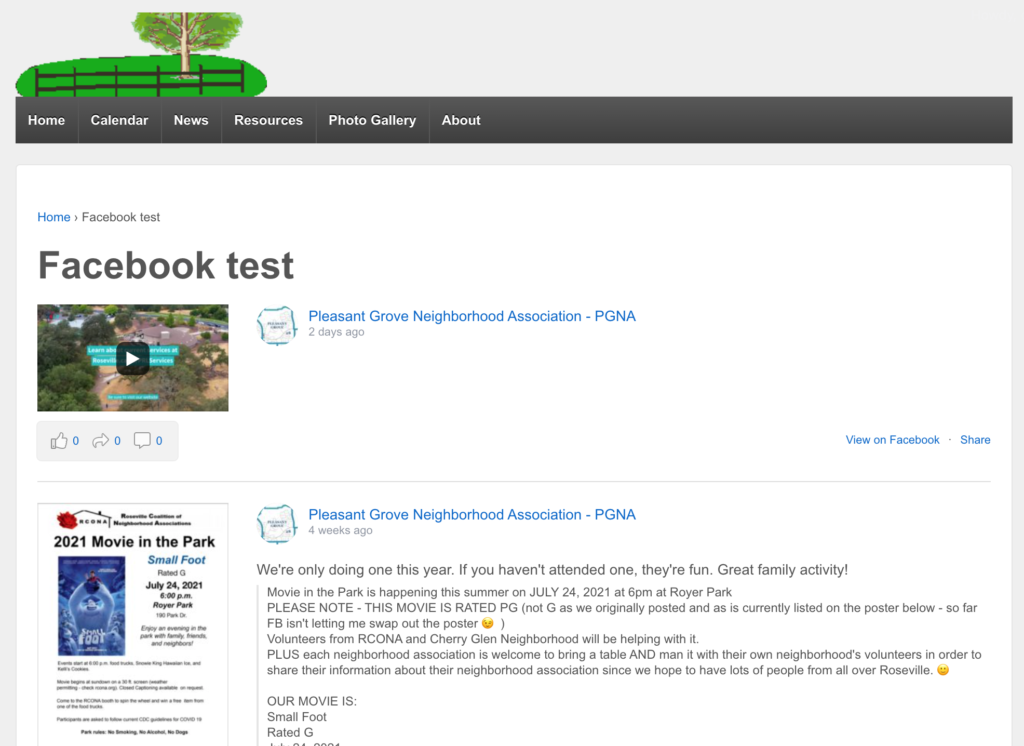
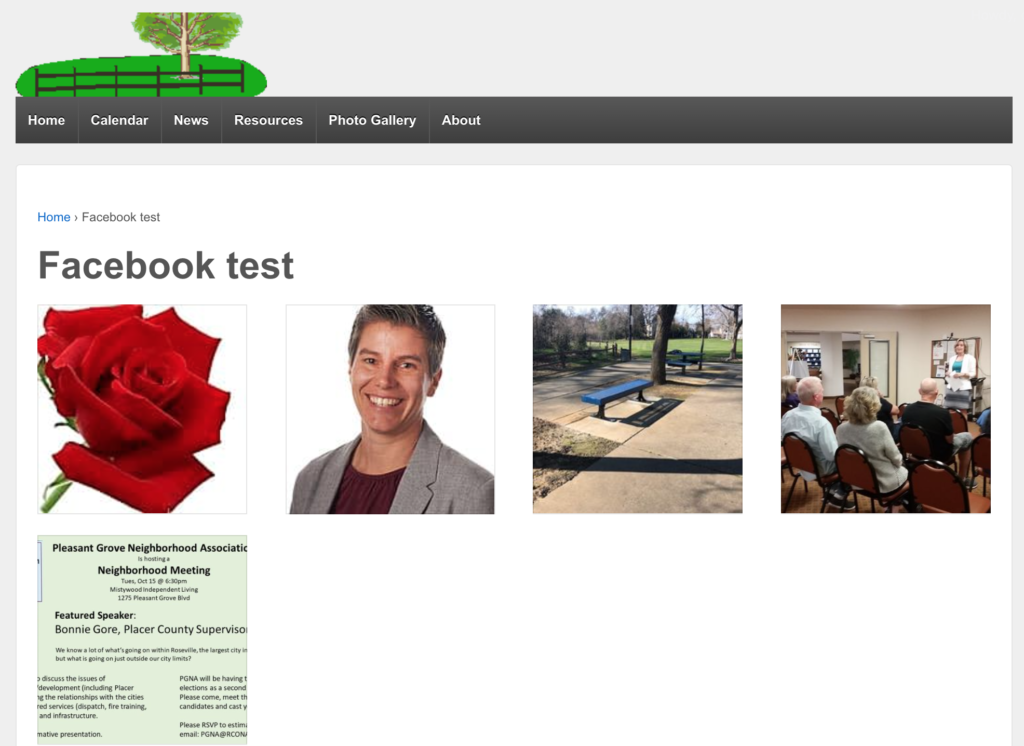
And I’d show you what displaying events would look like as well, but none of the NA’s that are currently using this have posted any events on their public pages yet.
This plugin only works with pages or groups that are public. Private groups for example cannot be pulled from, by virtue of the fact they are private in the first place. If you want to use what I’m showing you here, then you need to have either a public page or group first.
This takes care of most of your content, but not quite all of it. (Unless perhaps you’re one of the fewer groups out there that upload PDFs directly to a Facebook posts.) You still need to upload your documents (meeting minutes, newsletters, PDF flyers, and so on) somewhere. If that’s not your Facebook page, then it should at least be on your WordPress website. You can (and should) still upload posts to your WordPress site like those mentioned. I have a tutorial video on how to do that if you’re not sure how to. But then you’re back to the issue of both pages matching. You could manually tell people on your Facebook page that you’ve uploaded a new newsletter every single time you do so, but wouldn’t it be easier if your WordPress site could automatically do that in the other direction as well? Then it would be bidirectional. You could post
- From Facebook to WordPress, and
- From WordPress to Facebook
And they’d both constantly stay in sync.
You can do that with the automation I cover in a previous blog post.